Describe your keyboard idea
Choose the layout, keyboard style, materials, keycap colors, and overall mood you want to create.
Create unique keyboard visuals for keycap designs, desk setups, product mockups, and creative projects.
Curated Starting Points
Open a Template to reuse its prompt and visual direction.
Turn your keyboard ideas into visual concepts in three simple steps.
Choose the layout, keyboard style, materials, keycap colors, and overall mood you want to create.
Select the look and feel of your design, from realistic product shots to creative concept art.
Review your design, fine-tune the details, and export the final keyboard concept.
Flexible controls help you explore keyboard designs, visualize ideas, and create references for your next project.
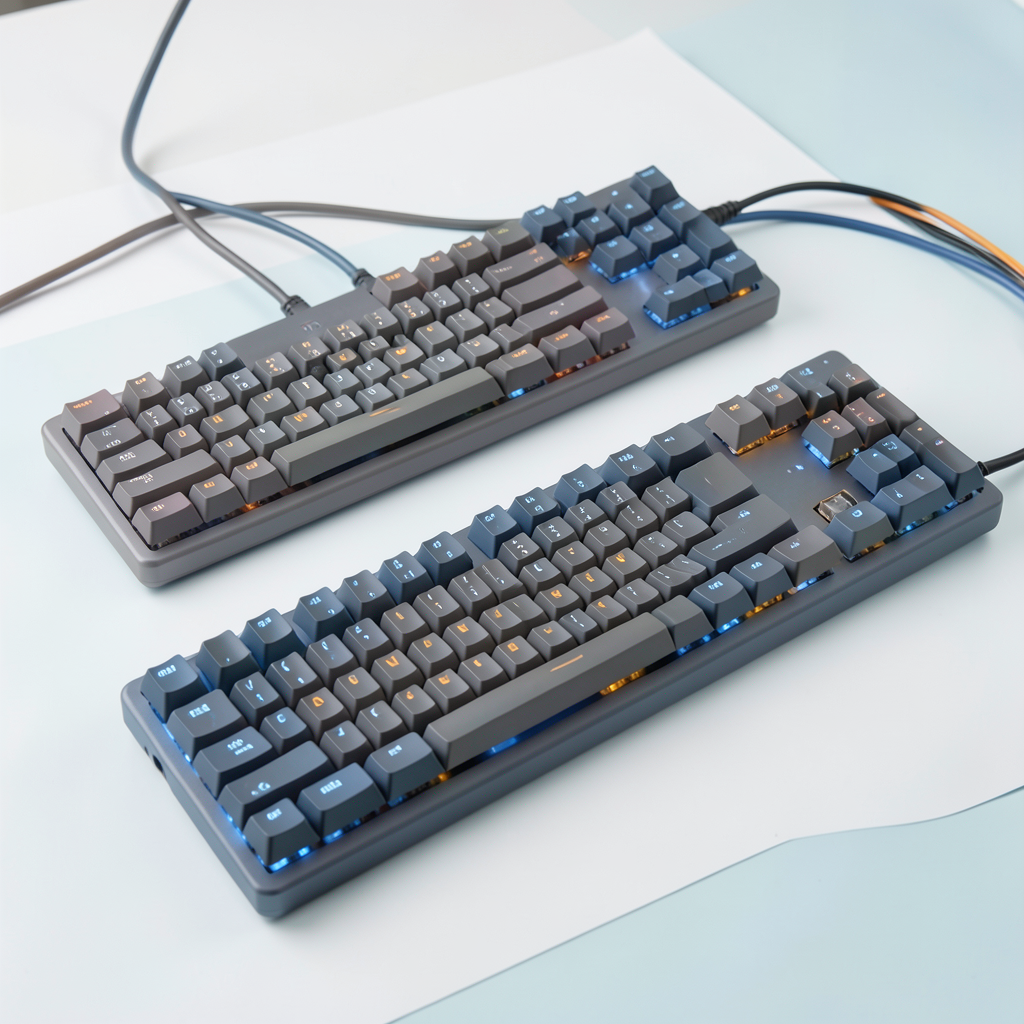
Create concepts for compact, full-size, split, ergonomic, low-profile, and custom keyboards with the details that matter most.
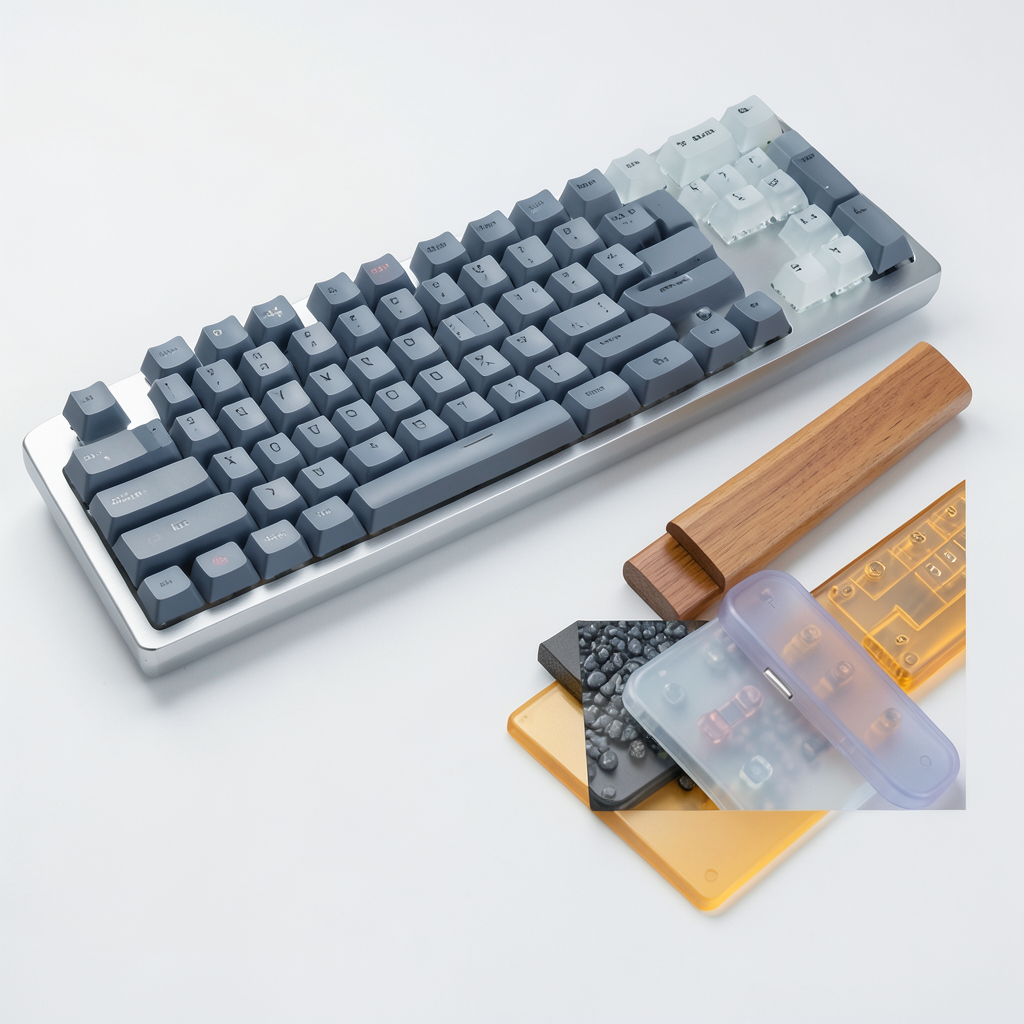
Experiment with materials like aluminum, polycarbonate, acrylic, wood, ceramic, and translucent finishes with realistic lighting and texture details.
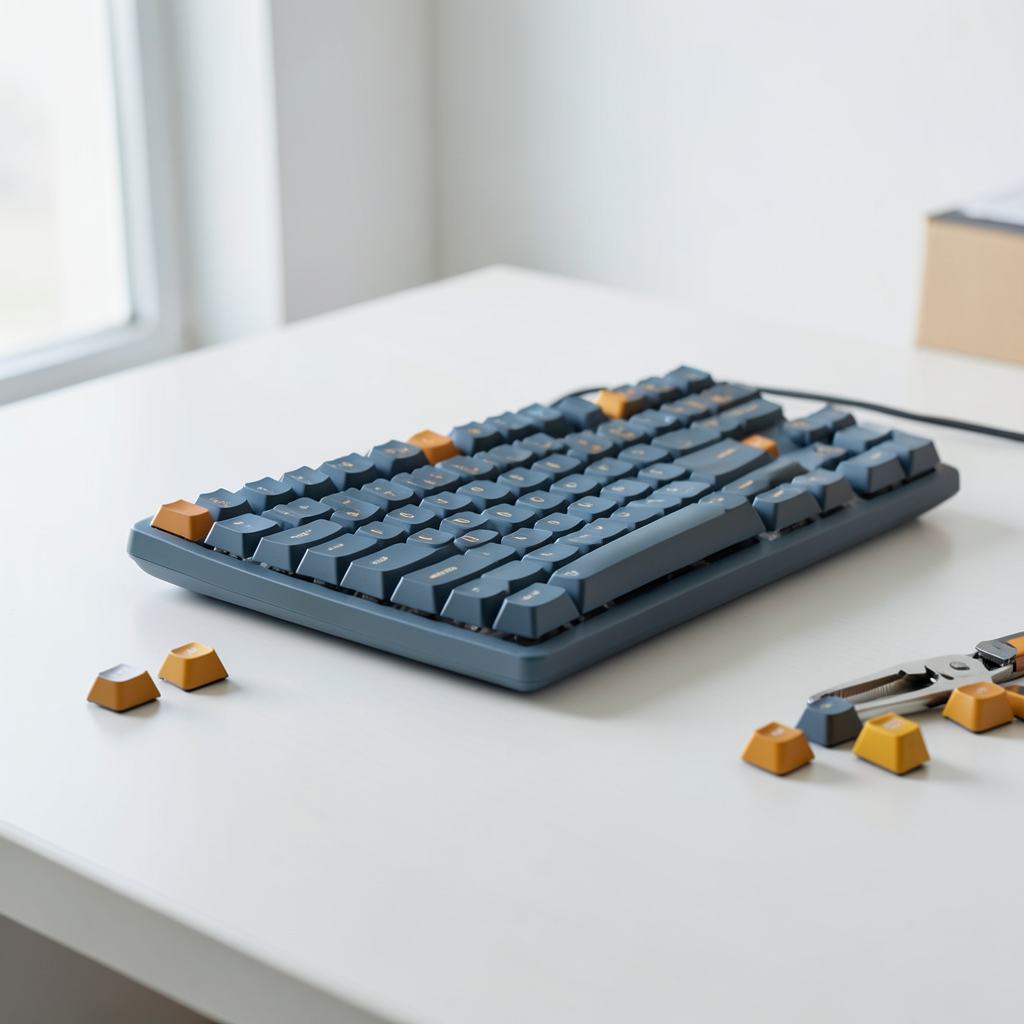
Create desk setups, top-down views, macro details, exploded keycap layouts, and presentation-ready visuals.
Yes. You can describe details such as case size, layout, keycap profile, switch type, materials, lighting, background, and camera angle to guide the design.
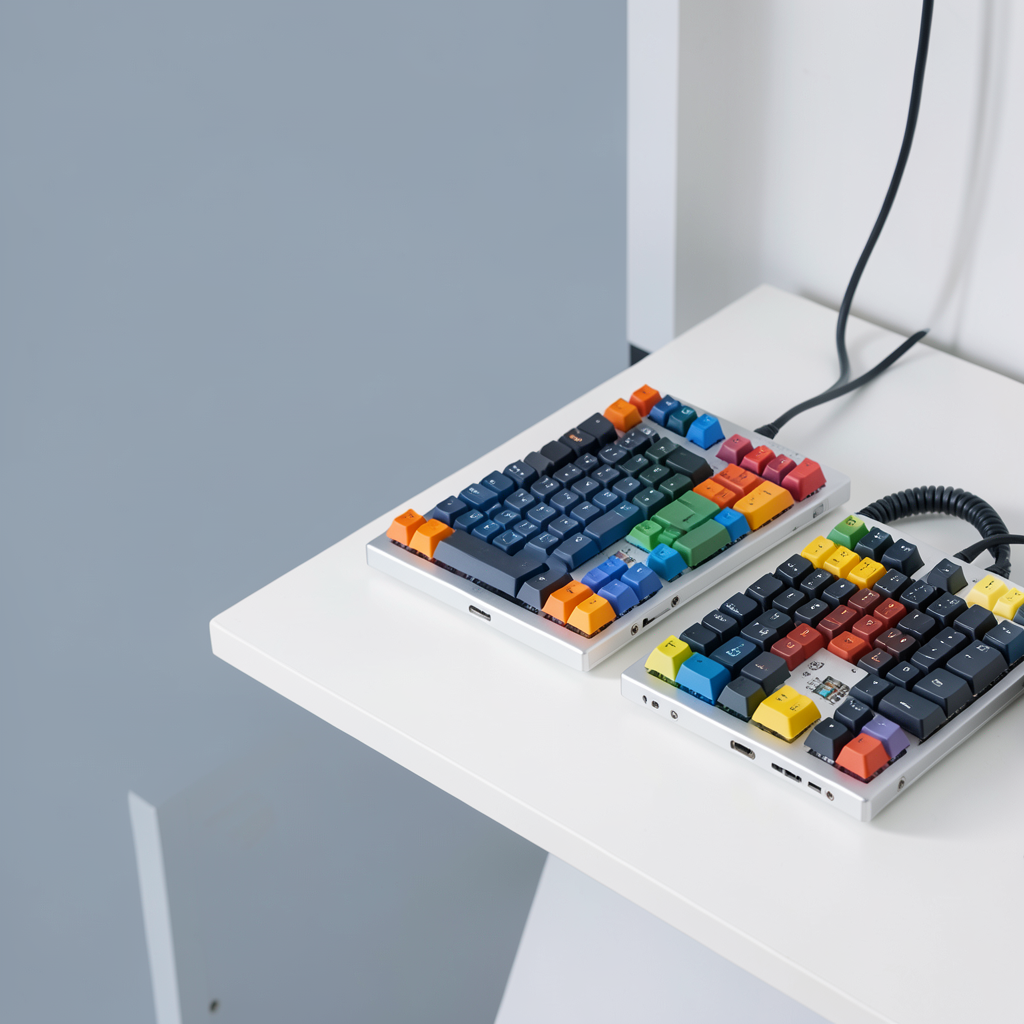
Describe your keyboard idea, choose the details that matter, and create a visual concept ready for your next project.
Start Designing